Follow these simple steps to set up your digital identity on the Demos Network:
Step 1: Create a Demos Wallet
If you don't have a Demos Wallet, please follow the instructions on how to Create a Demos Wallet in the guideline sections at demos.sh
Step 2: Go to identity.demos.sh
Visit identity.demos.sh to access the Demos Identity portal.
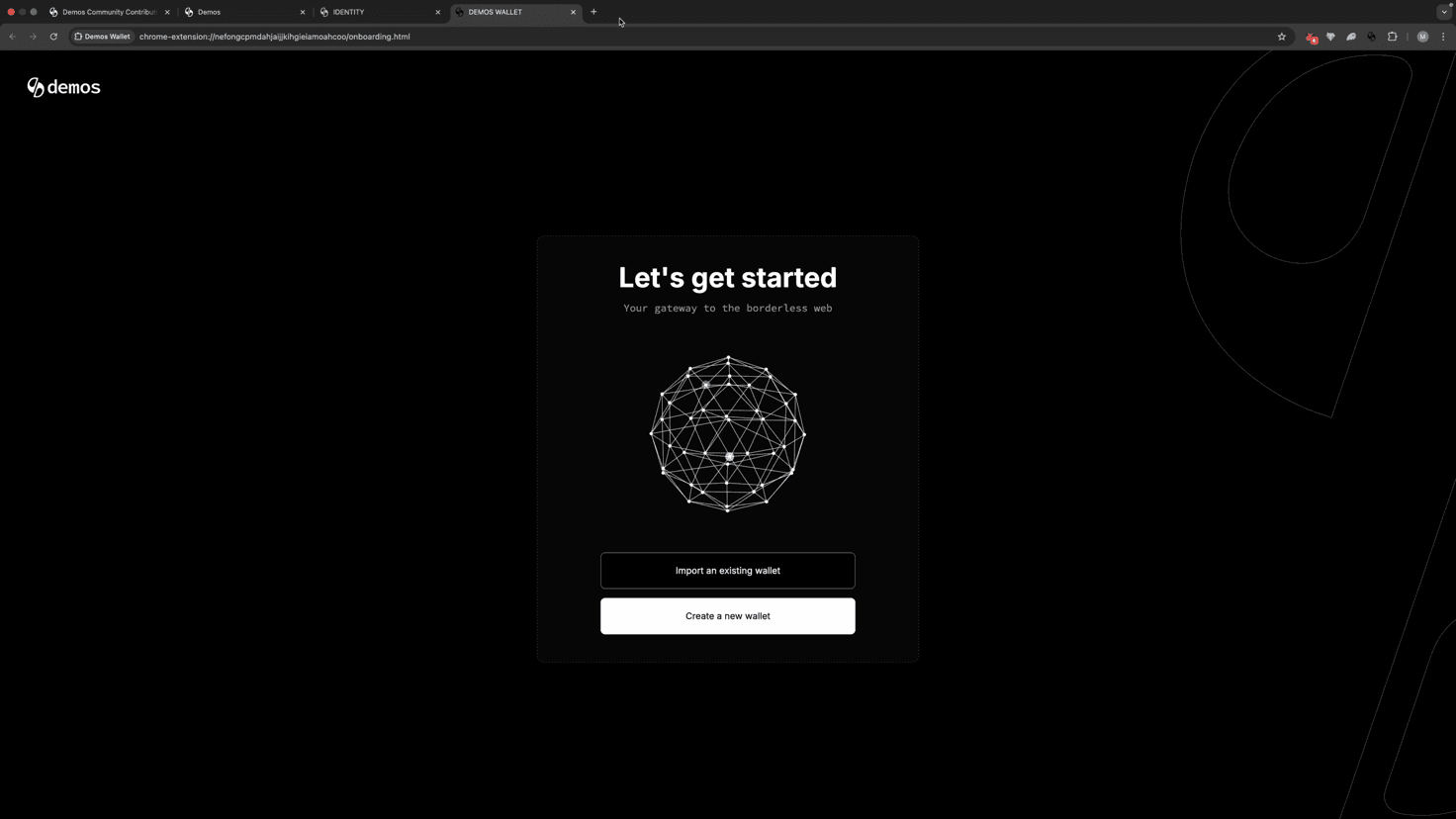
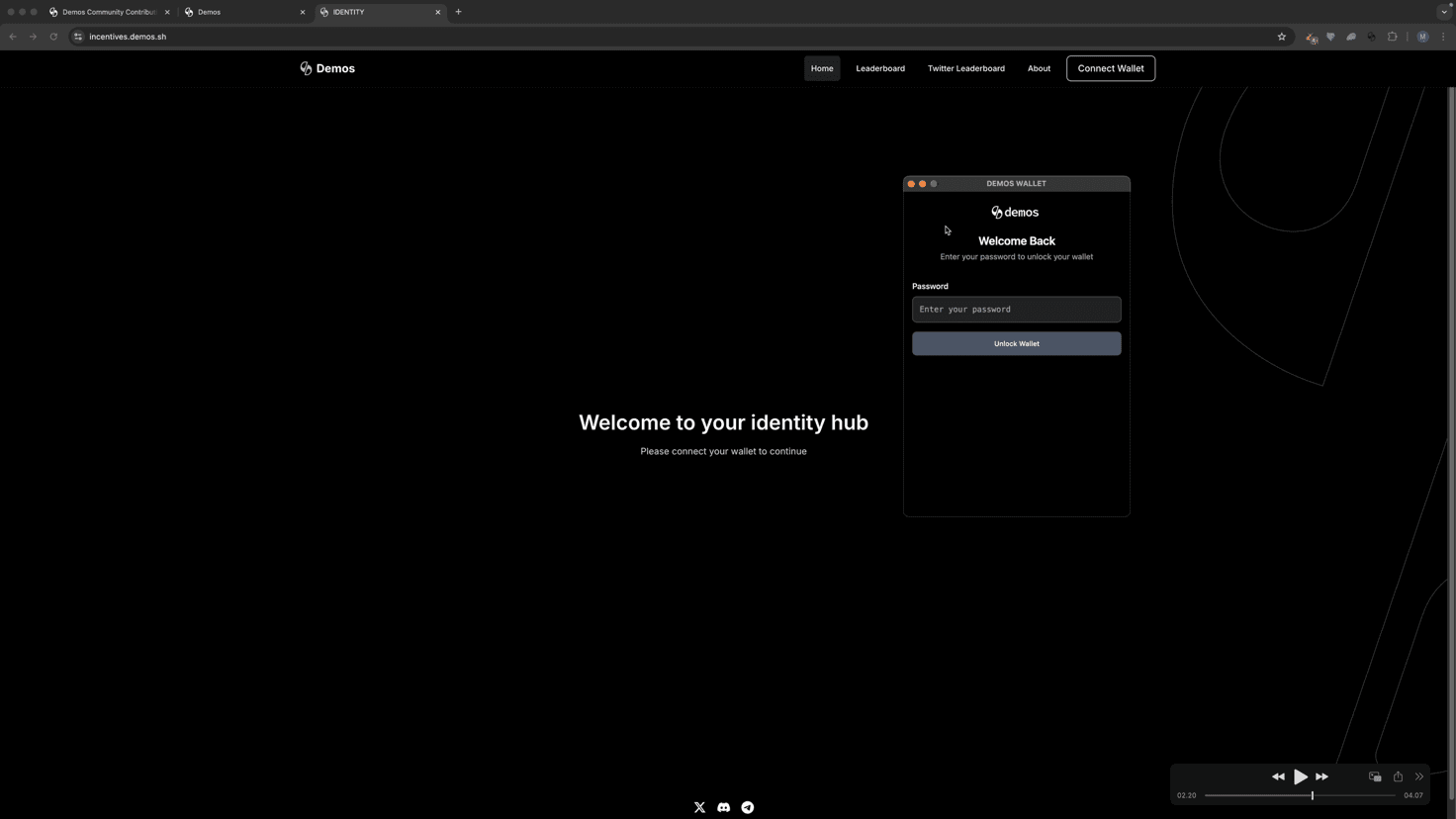
Step 3: Connect Your Wallet
Connect to your Identity by logging into your Demos Wallet.
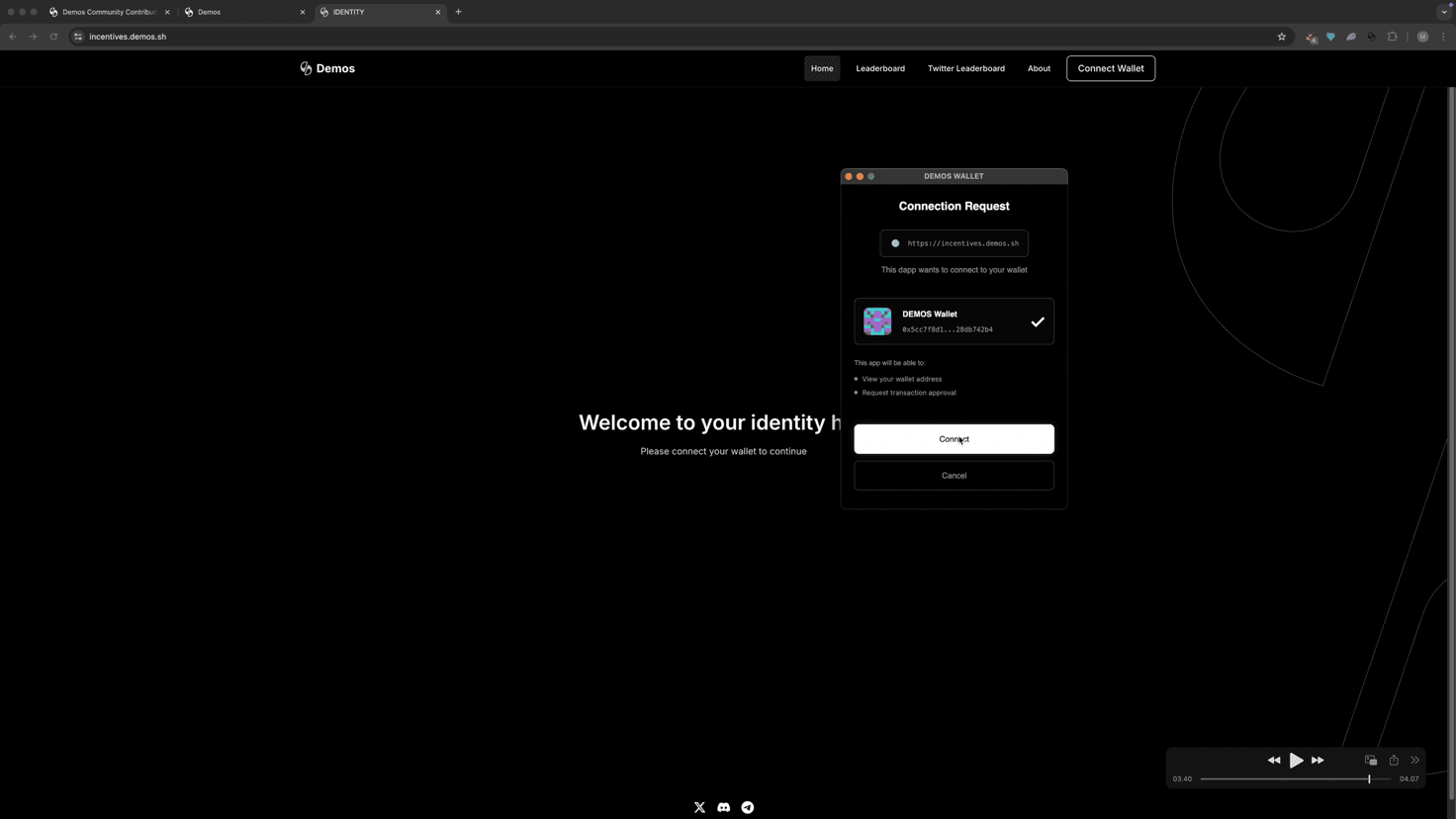
Step 4: Sign the Message
Connect your wallet and sign the message when prompted. ✅
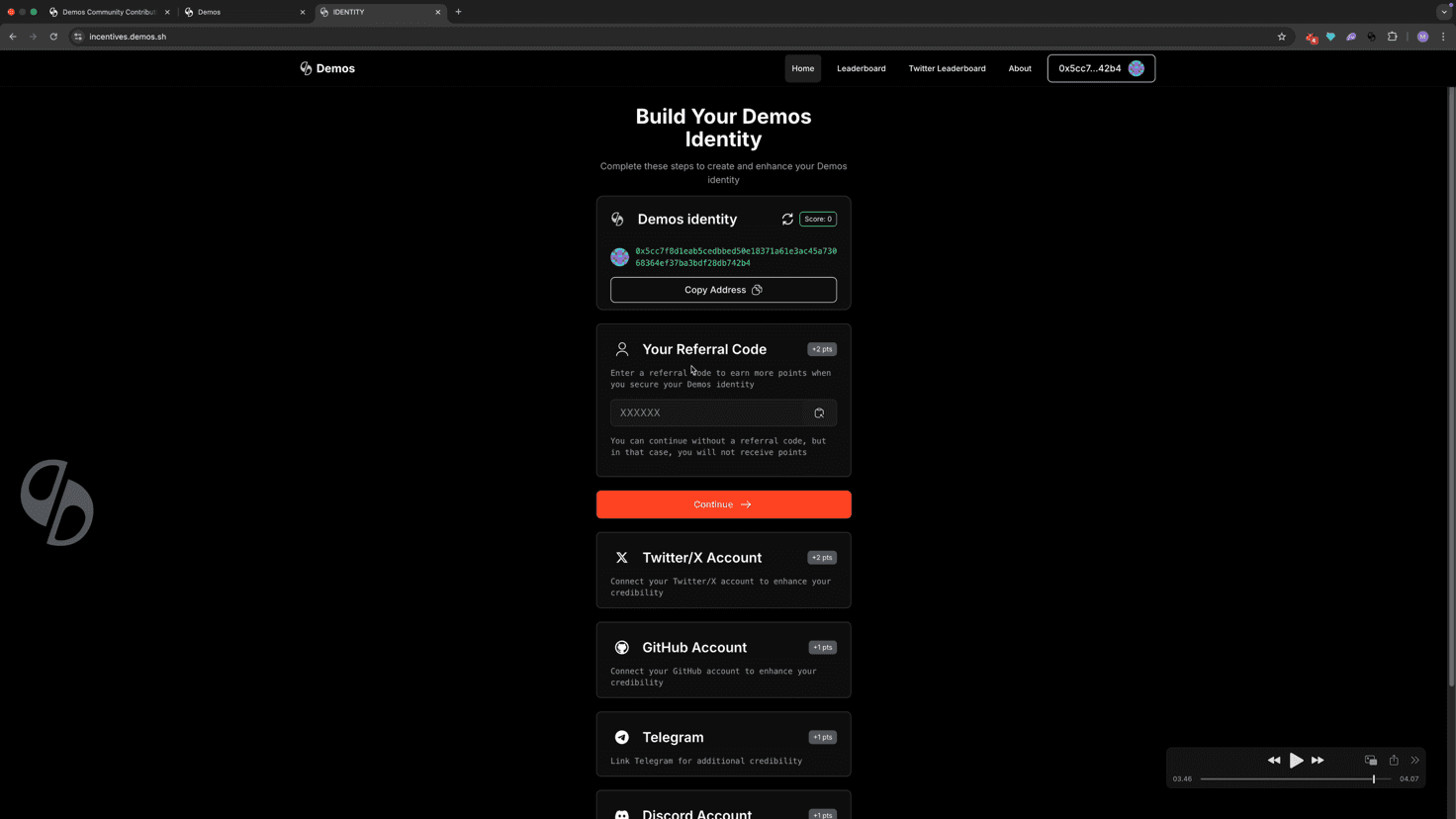
✅ That's it!
Your digital identity is now initialized on the Demos Network. You can start adding social profiles and managing your identity securely—while staying fully in control of your data through Demos.
Adding Social Identities
After adding your different social identities it should look like this:
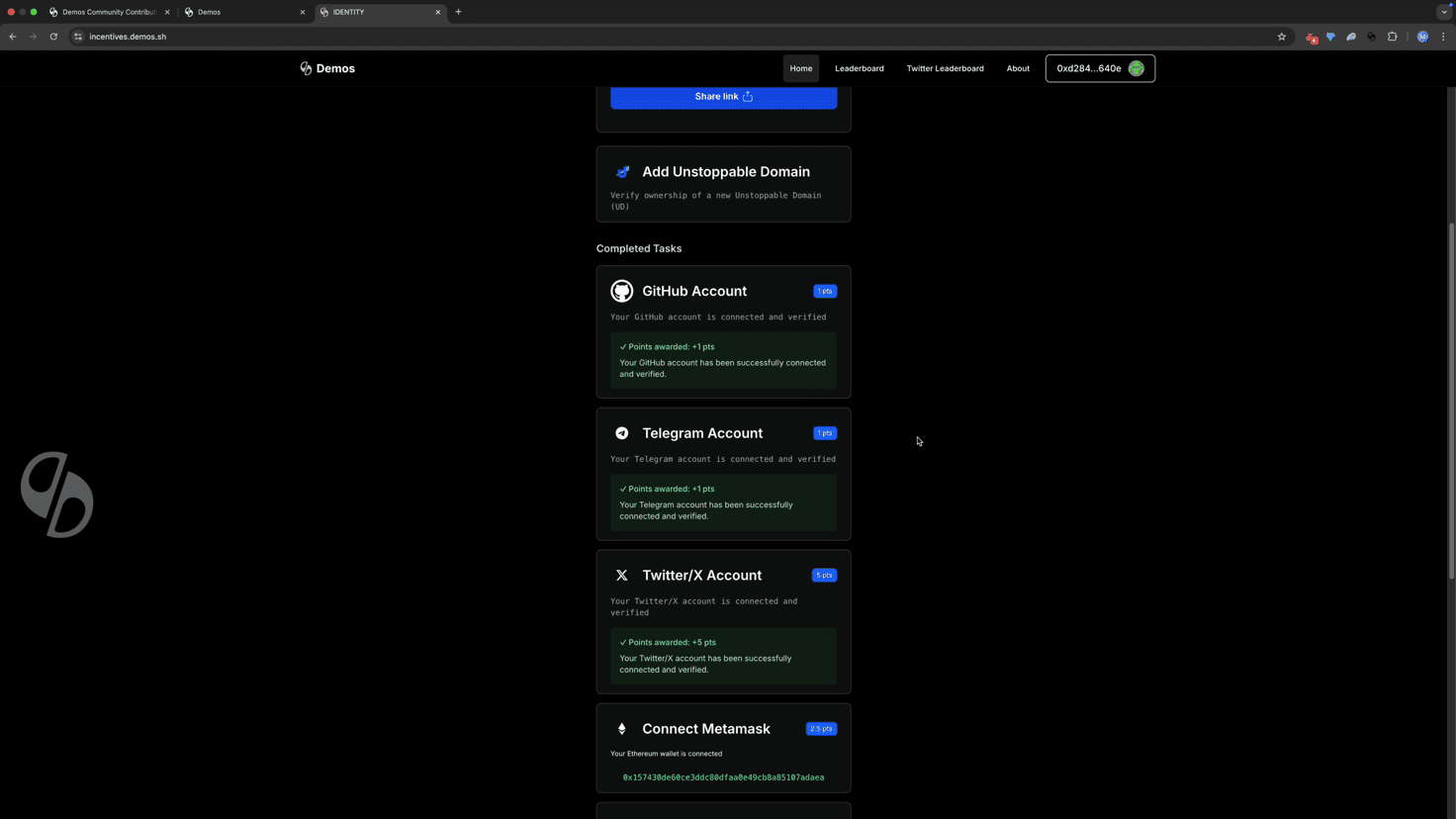
The process of adding various identities is pretty straightforward, but feel free to join the Demos Telegram or Discord where Demos mods will be able to assist you with any issues you might run into.
You can find the official links for both Telegram and Discord at demos.sh