🟢 Step 1: Access Your Demos Wallet
Log in to your Demos wallet using your credentials.
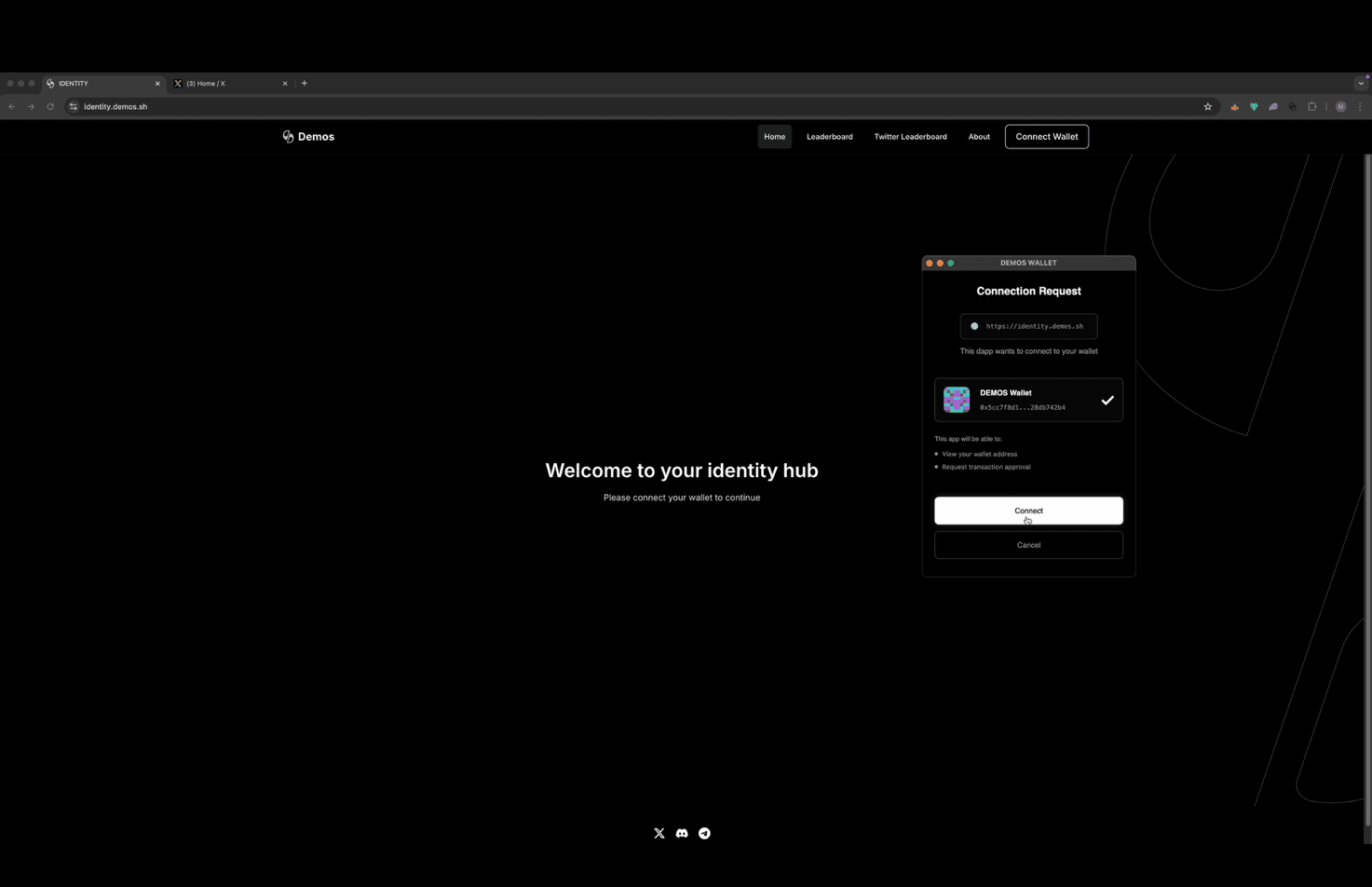
🌐 Step 2: Open the Identity Hub
Navigate to the Demos Identity Hub at:
👉 https://identity.demos.sh
Ensure your Demos wallet is connected.
🦊 Step 3: Connect MetaMask
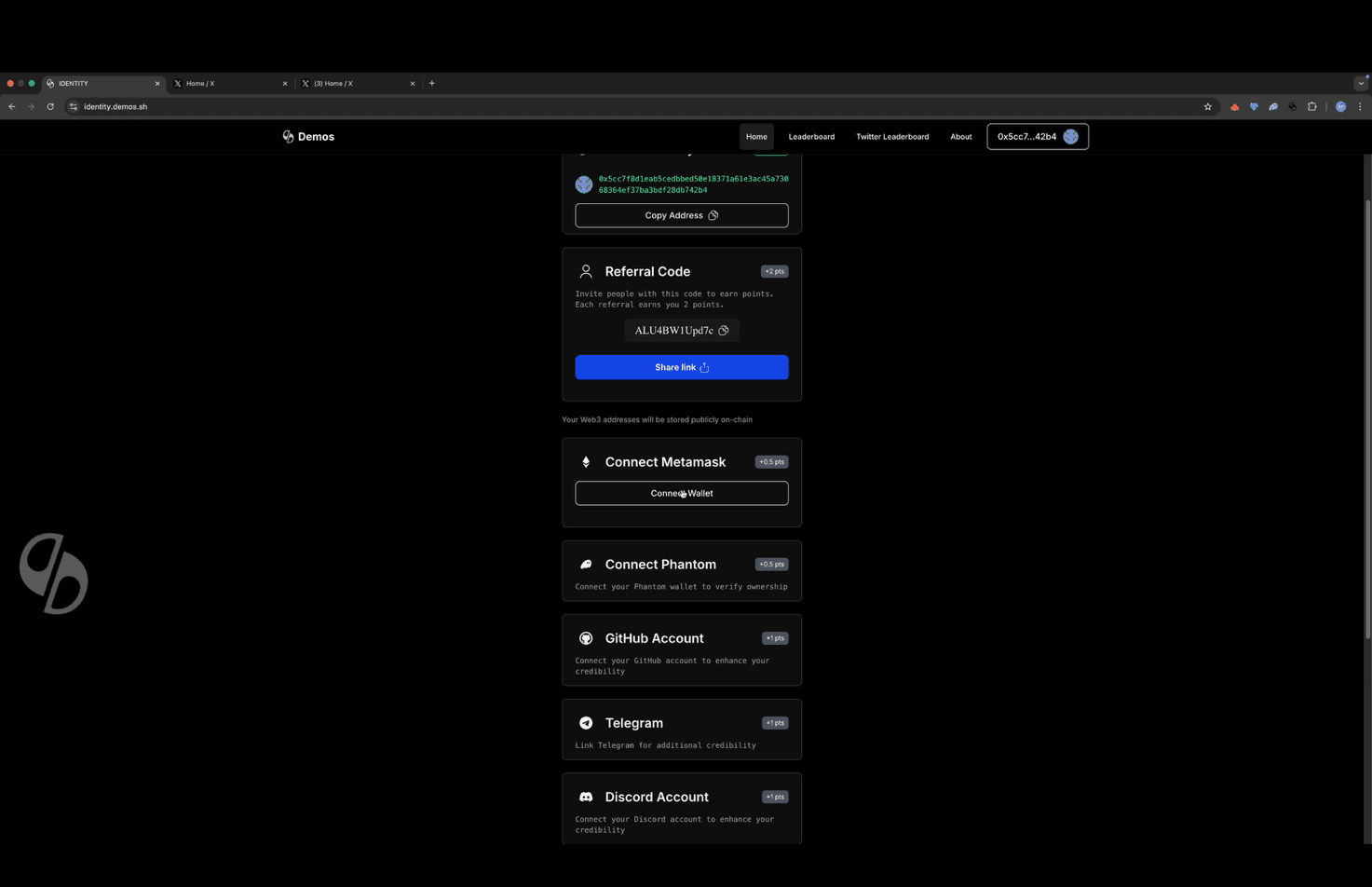
On the Identity Hub homepage, click "Connect MetaMask" followed by "Connect Wallet".
🤖 Step 4: Complete Human Verification
Complete the Cloudflare verification to confirm you are human.
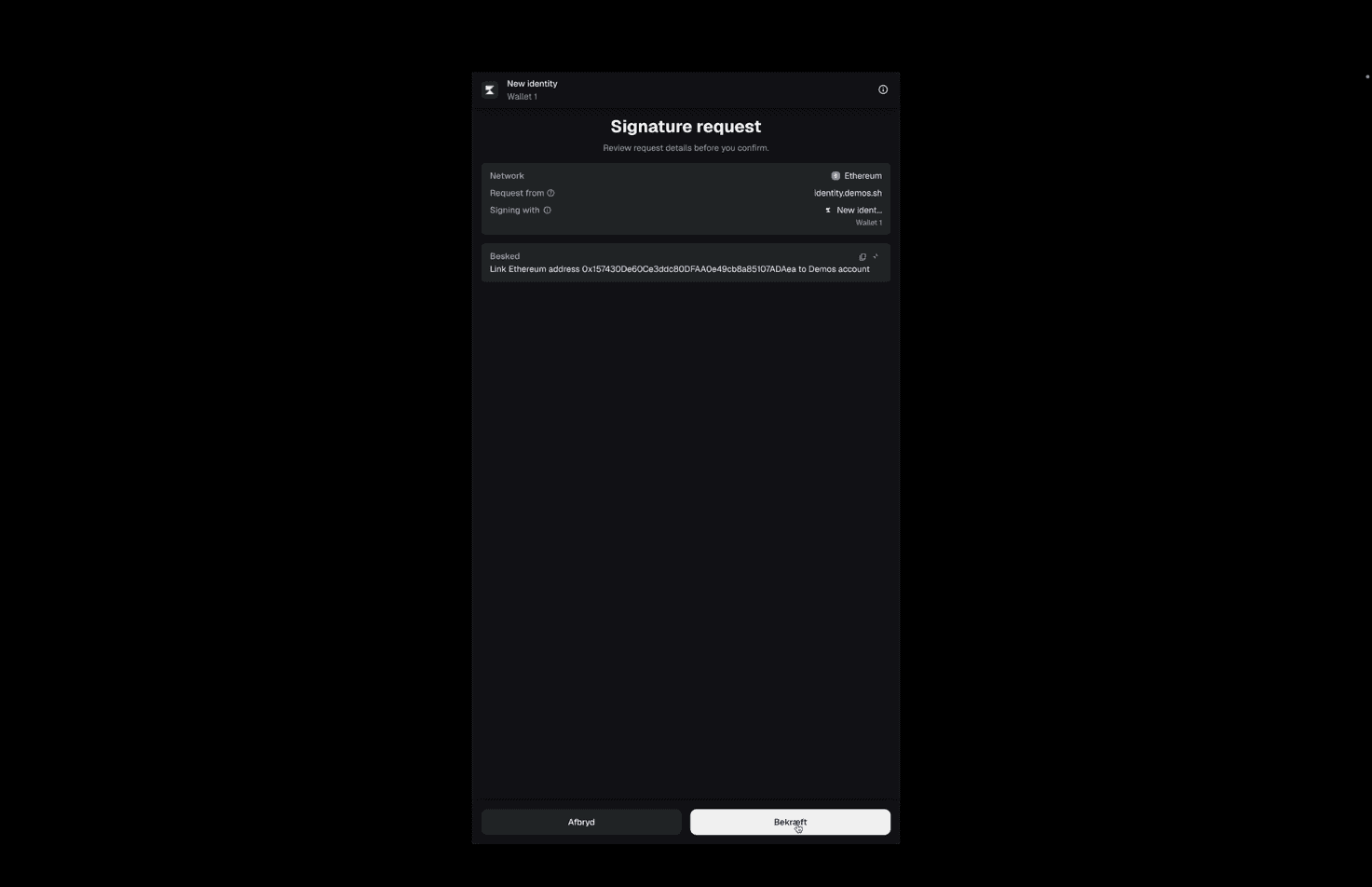
✍ Step 5: Sign the MetaMask Request
A MetaMask popup will appear.
Review the request and sign the transaction.
✅ Step 6: Confirm the Link in Demos
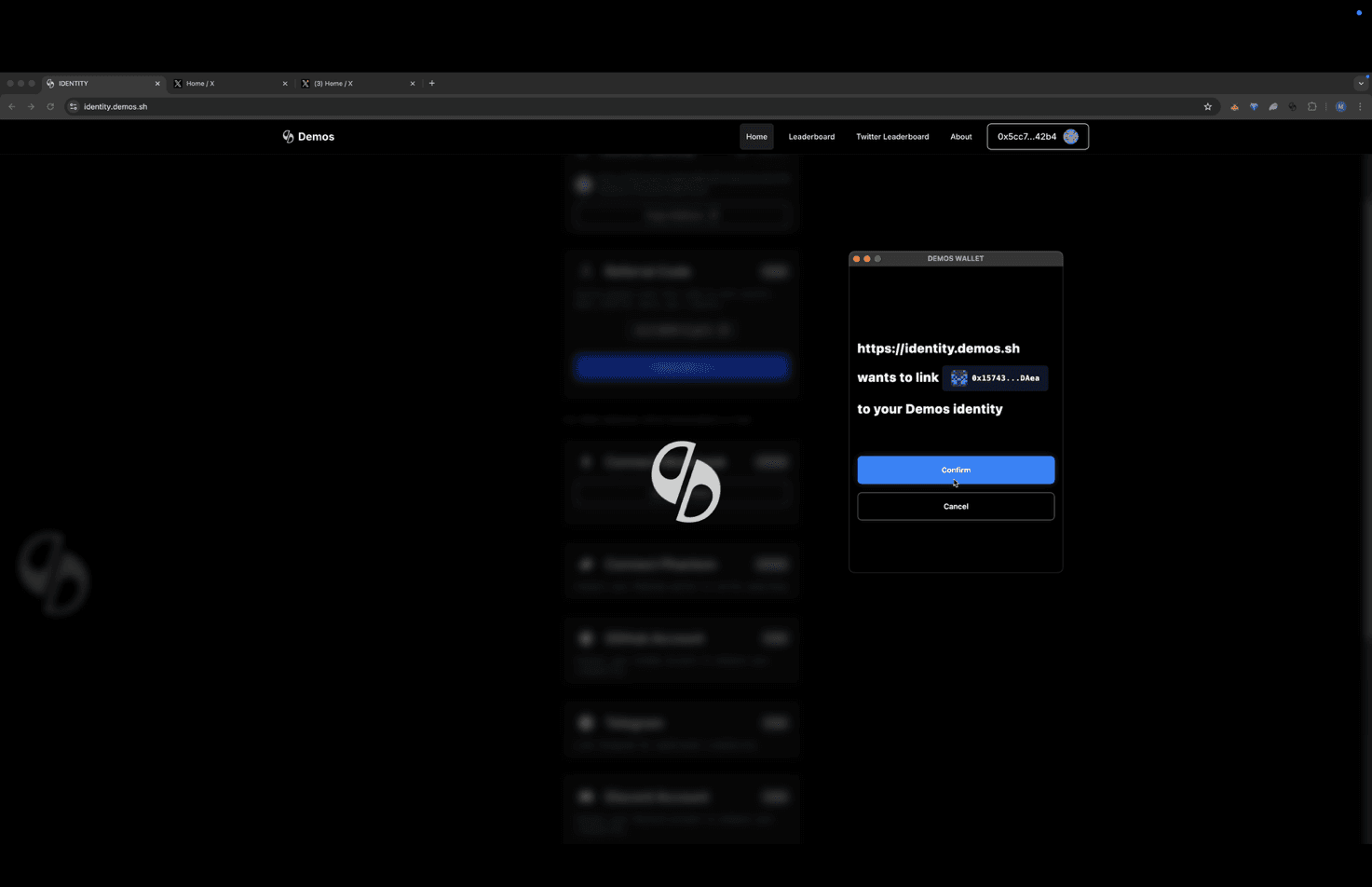
After signing, a new popup will appear in your Demos wallet.
Click Confirm to finalize the wallet link.
🎉 Success!
Your MetaMask wallet is now successfully linked to your Demos Identity.
If you encounter any issues, ensure MetaMask is unlocked and connected to the correct network before retrying.