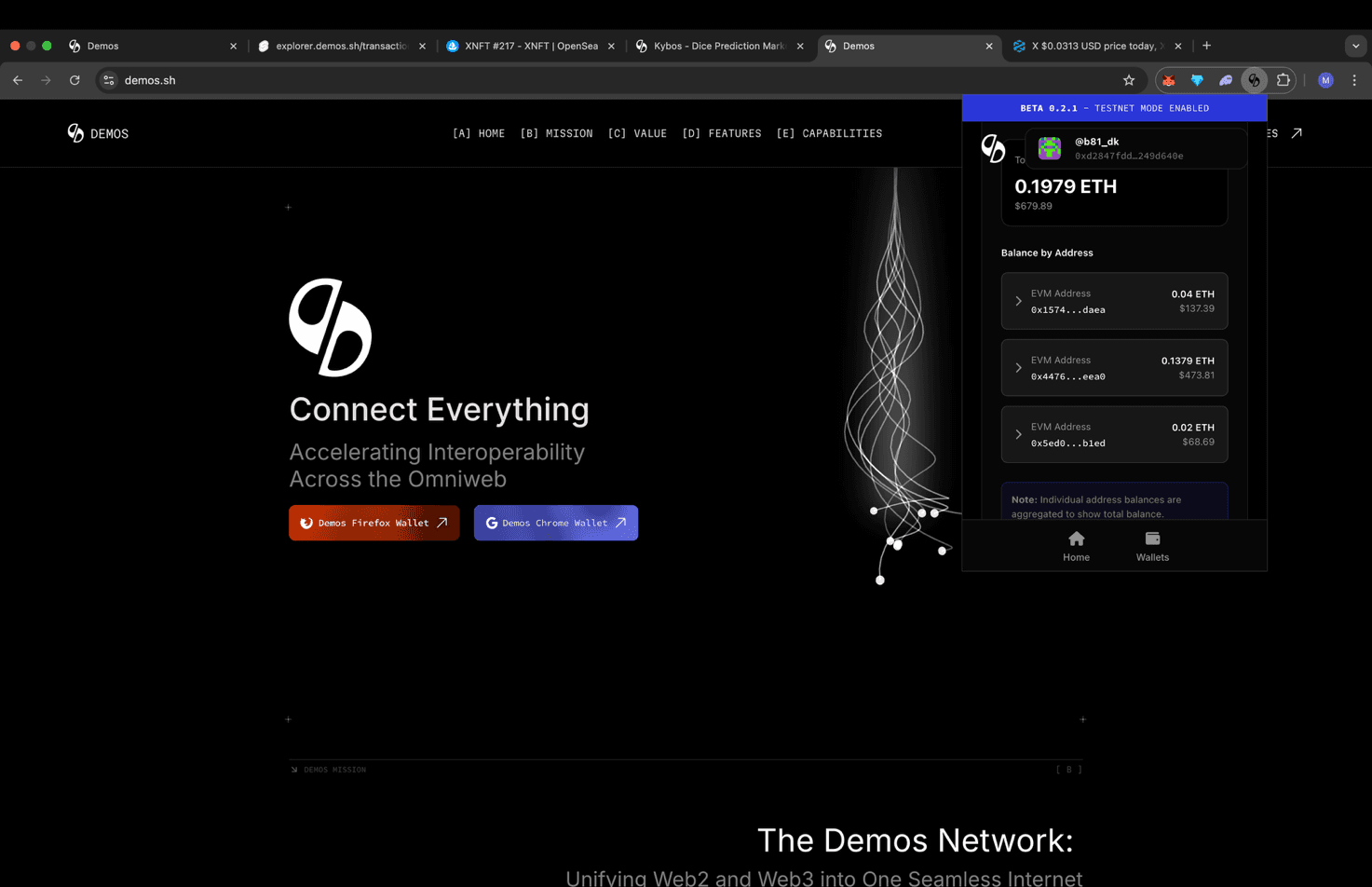
If you already have an Ethereum-compatible (EVM) or Solana wallet — located in your MetaMask, Trust Wallet, or another Web3 wallet — you can easily import it into your Demos Wallet. This allows you to manage all your assets and accounts in one place and view a single, unified balance across networks, thanks to the Demos SDK's chain abstraction layer.
Follow these steps to securely import your existing EVM or Solana account:
Step 1: Open the Demos Wallet
Launch your Demos Wallet application or browser extension.
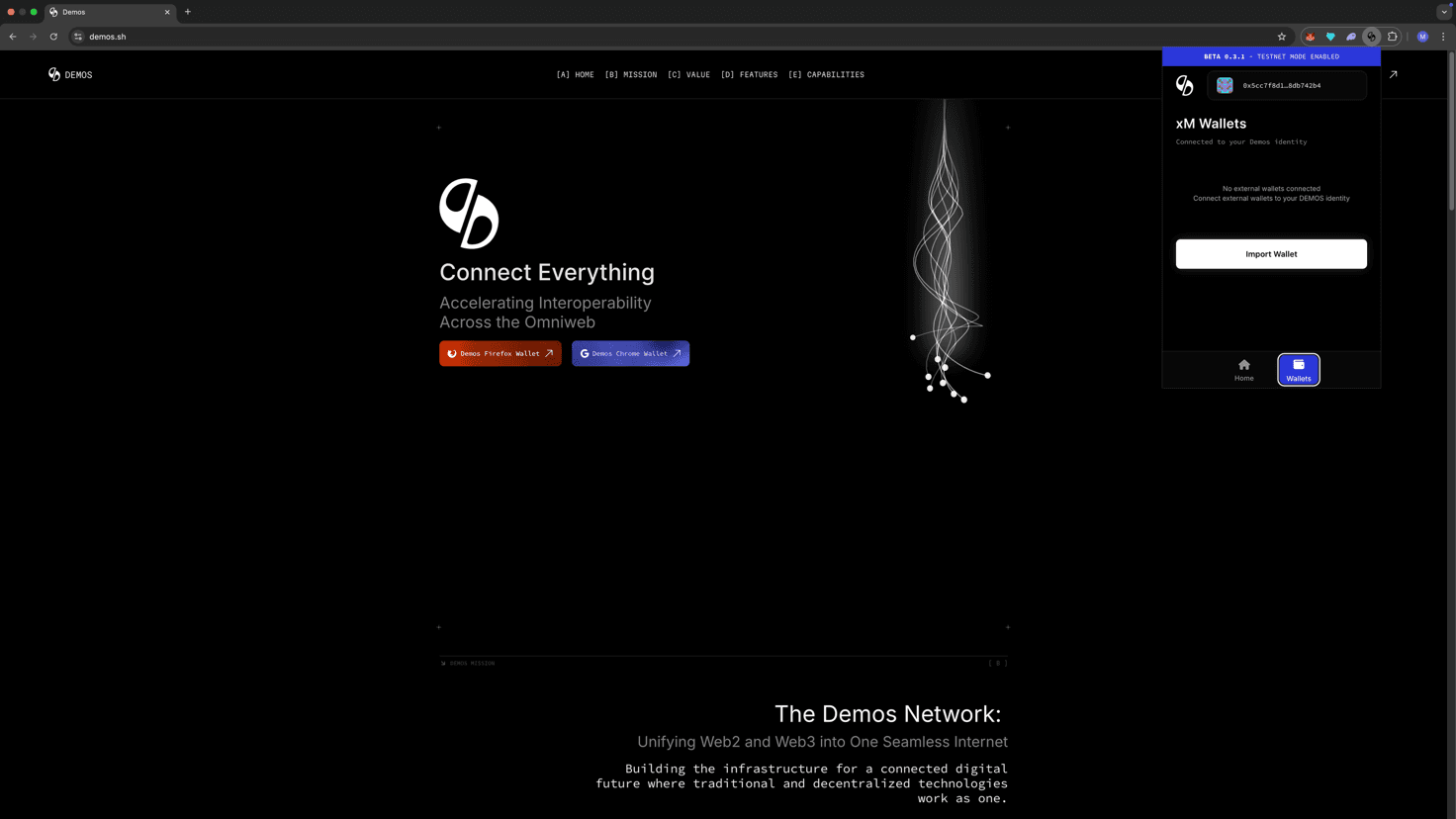
In the bottom-right corner of the wallet interface, click the "Wallets" tab to open your wallet management menu.
Step 2: Select Wallet Type to Add
In the wallets section, click "Import Wallet"
This option allows you to connect external wallets by entering their private keys.
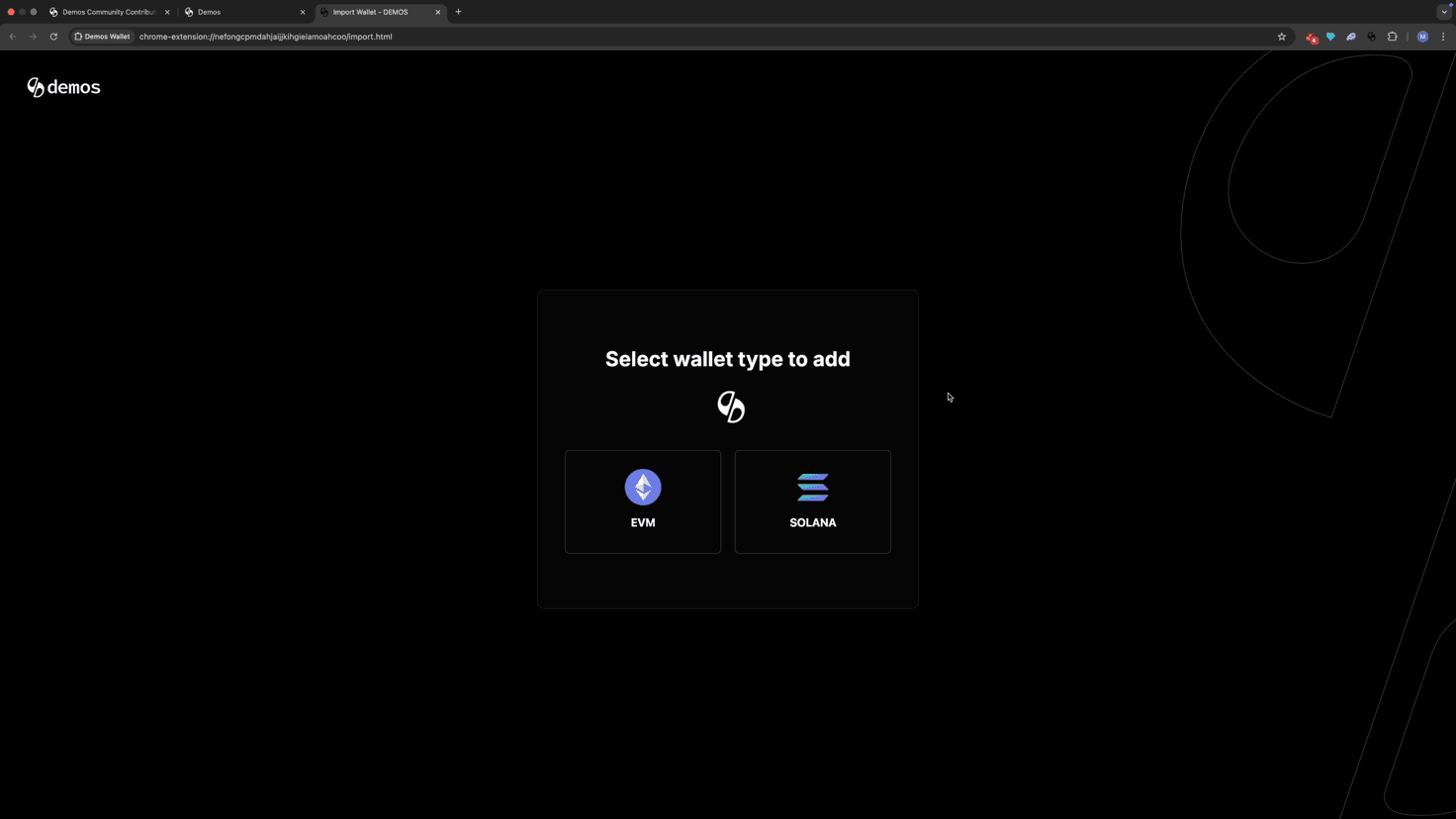
Step 3: Choose the Network
Choose the type of wallet you want to add.
Step 4: Paste Your Private Key
Locate the private key of the wallet you want to import. You can usually find this in the Security or Account Information section of your existing wallet (e.g., MetaMask).
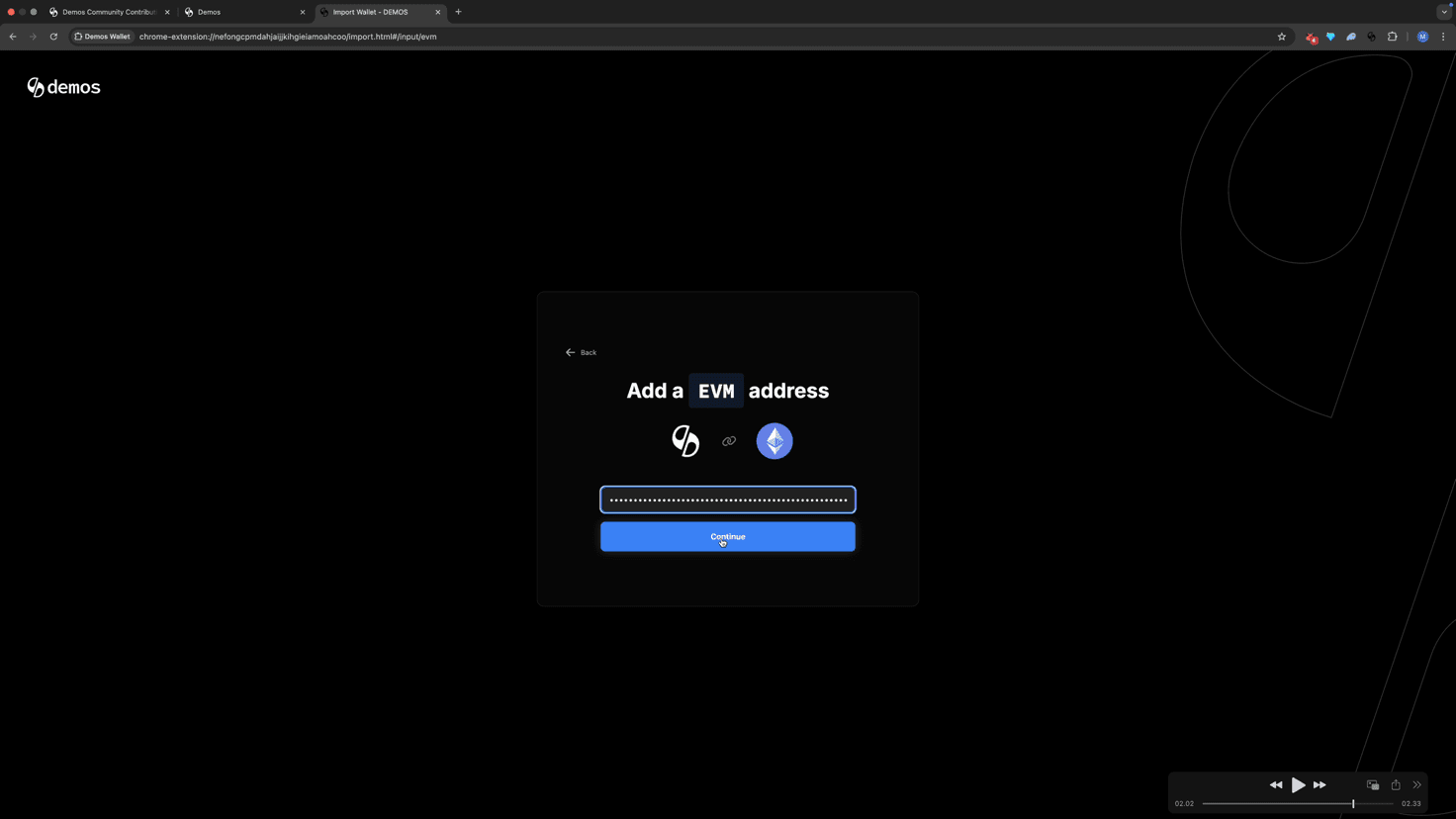
Once you have it, paste the private key into the designated input field in Demos Wallet.
⚠️ Important: Never share your private key with anyone. Keep it stored securely offline. Demos will never ask you to send it externally.
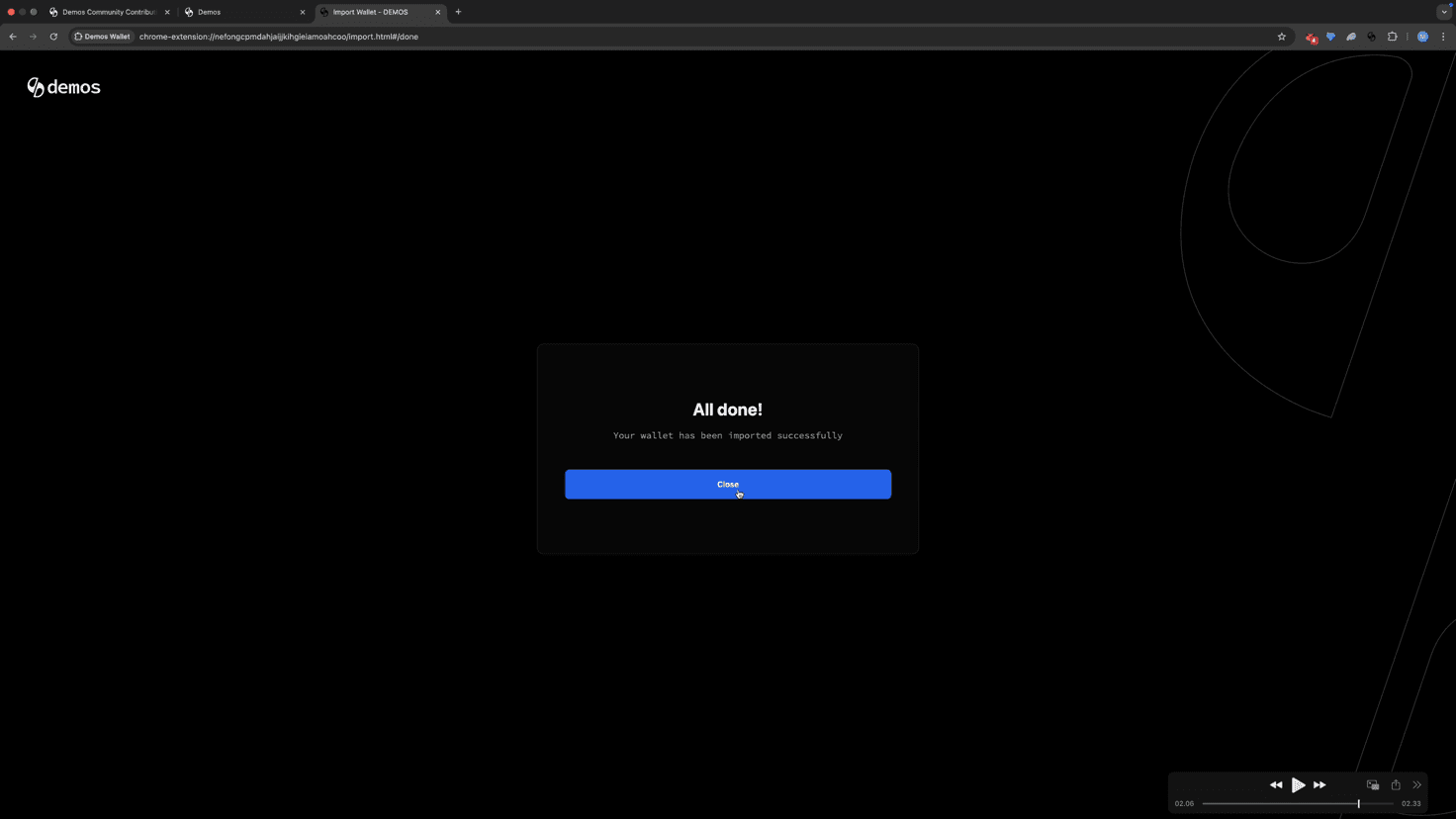
✅ Success!
You've successfully imported your EVM wallet into Demos Wallet.
Your EVM account will now appear in your wallet list, and your balances will be seamlessly integrated.
🔗 Unified Balance View
Notice how your total balance now displays as one unified value across all connected wallets and supported networks. This is made possible by Demos' chain abstraction layer, powered by the Demos SDK, which automatically aggregates your multi-chain assets into a single, easy-to-read view.