⚠ Before You Begin
Ensure the Ethereum or Solana wallet you connect to the Demos Identity Hub holds the Unstoppable Domain you want to link.
🌐 Step 1: Access the Identity Hub
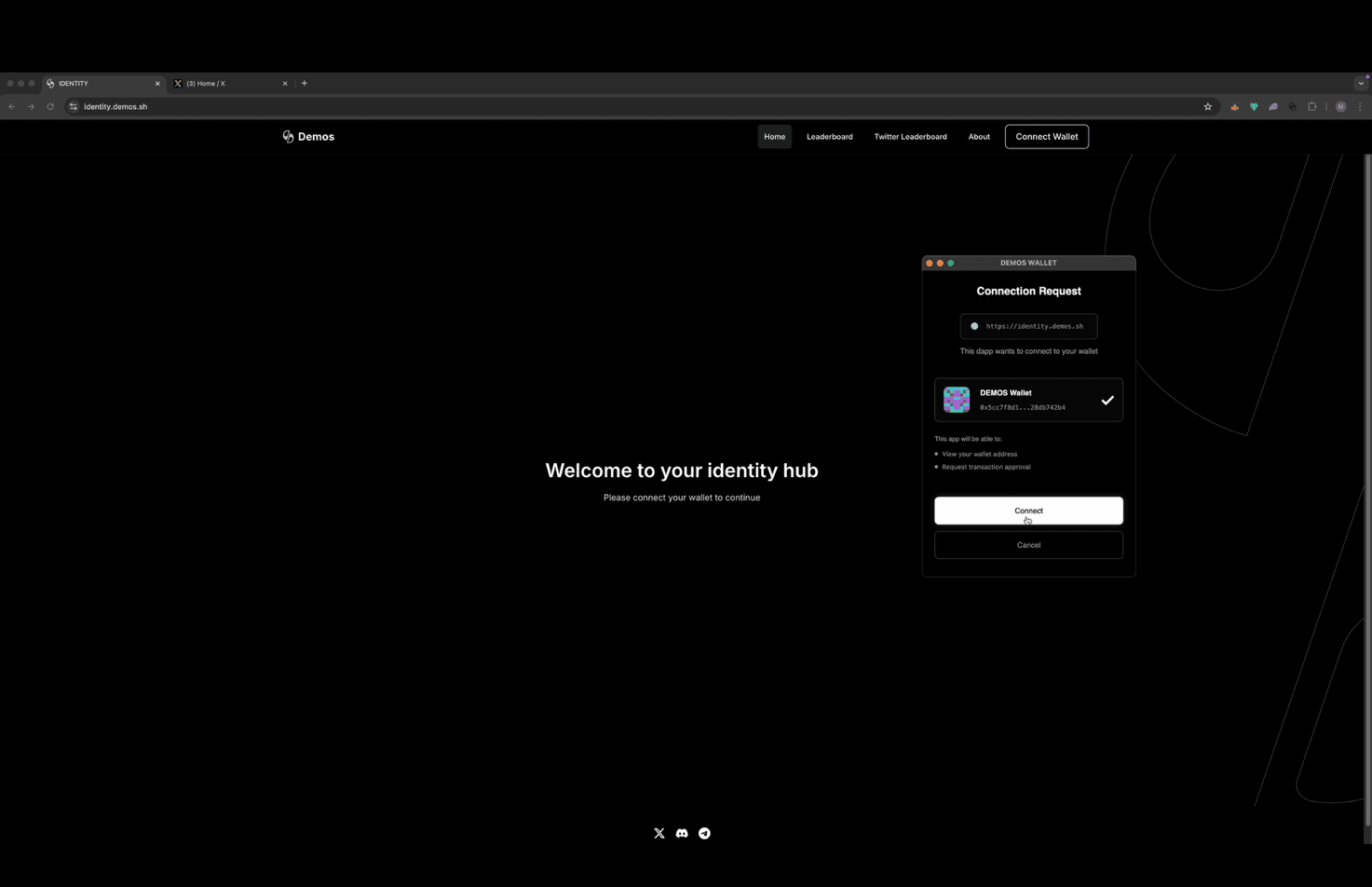
Navigate to 👉 https://identity.demos.sh
Log in by connecting your Demos wallet.
➕ Step 2: Add an Unstoppable Domain
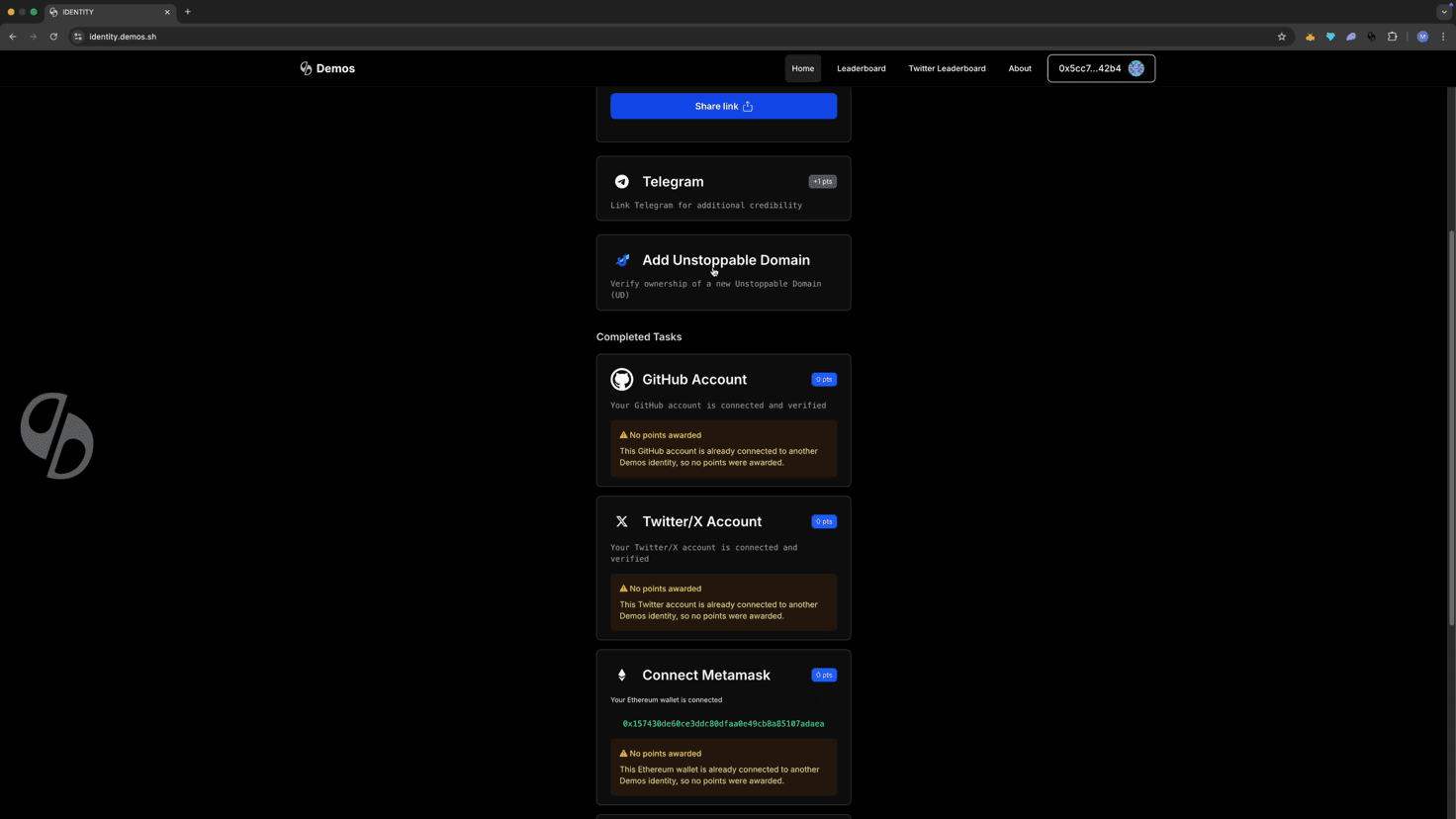
Click "Add an Unstoppable Domain."
🔗 Step 3: Select Your Network
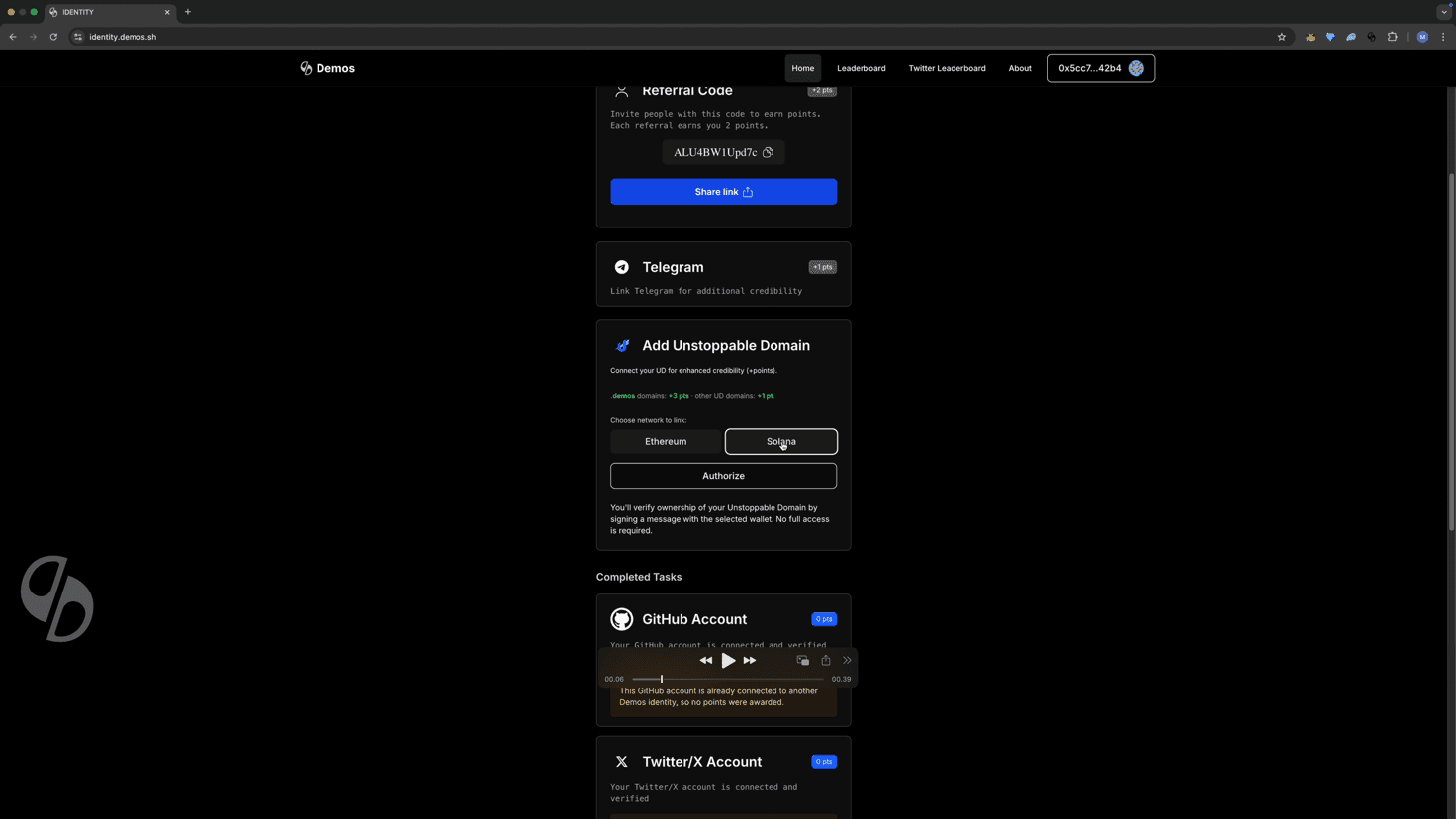
Choose the network where your domain is held:
🤖 Step 4: Complete Human Verification
Complete the Cloudflare verification to confirm you are human.
🏷 Step 5: Enter and Validate Your Domain
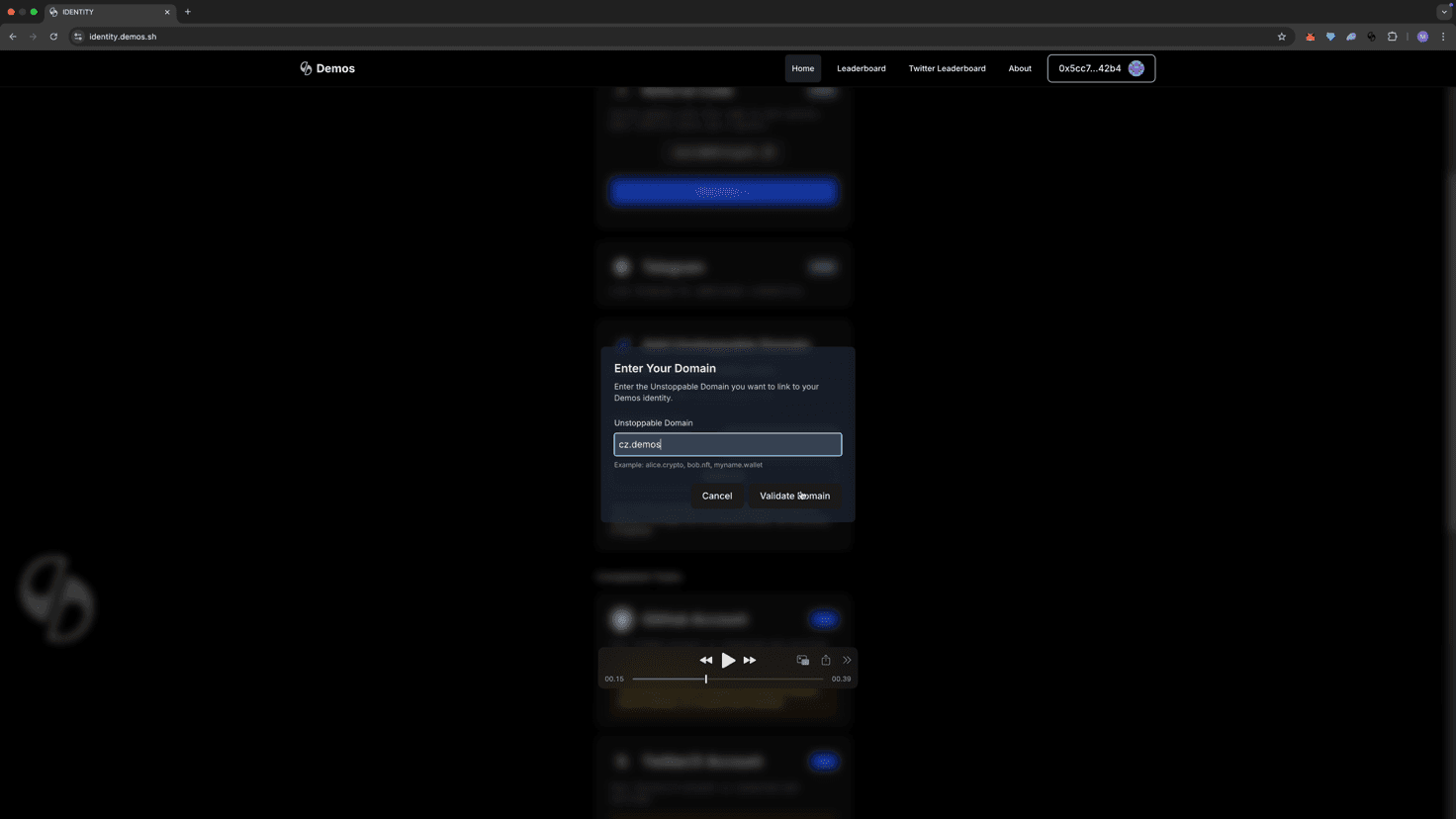
Enter your Unstoppable Domain name and click "Validate Domain."
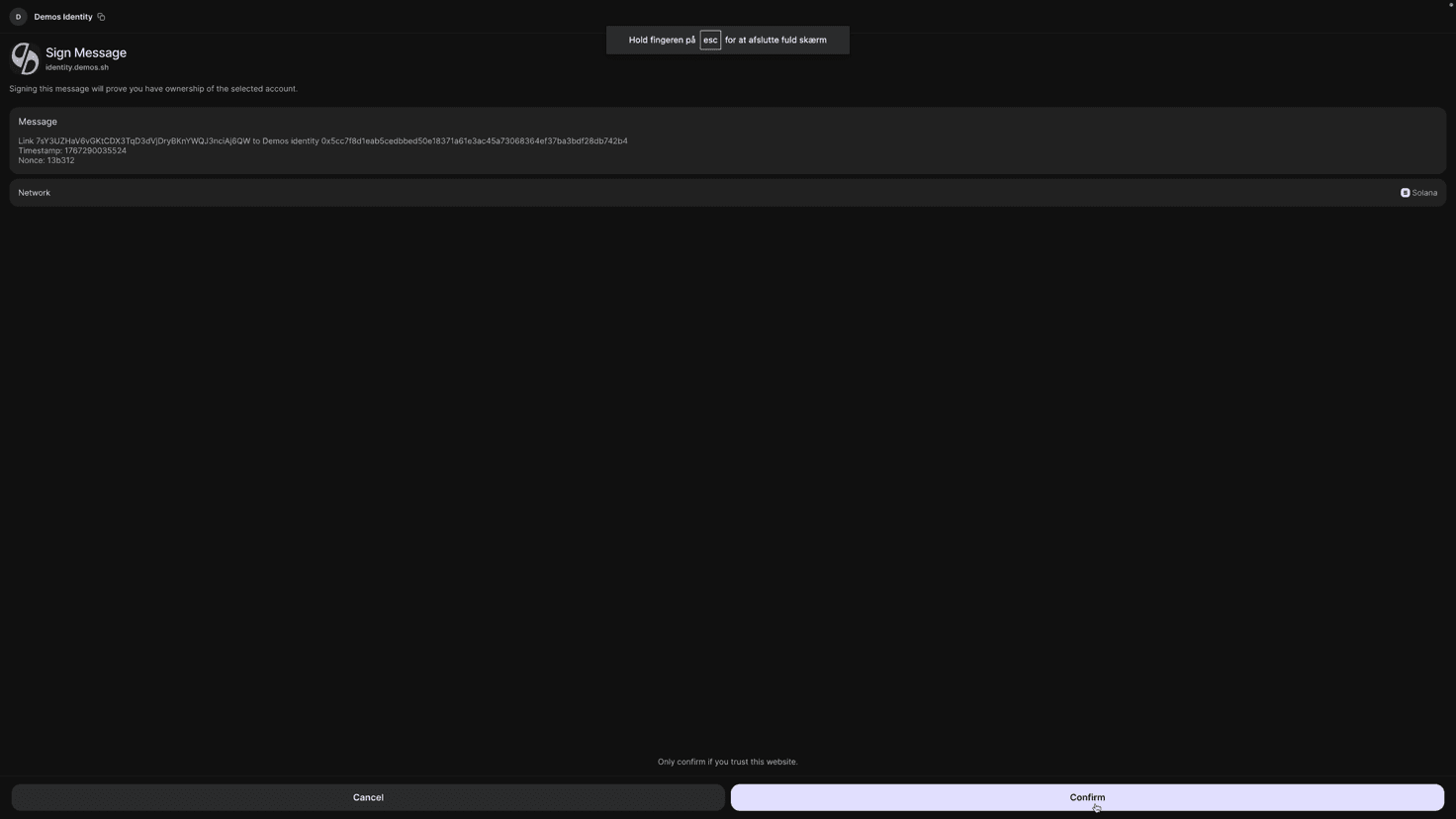
✍ Step 6: Sign the Wallet Message
A message will appear in your selected wallet.
Review and sign the message to verify ownership.
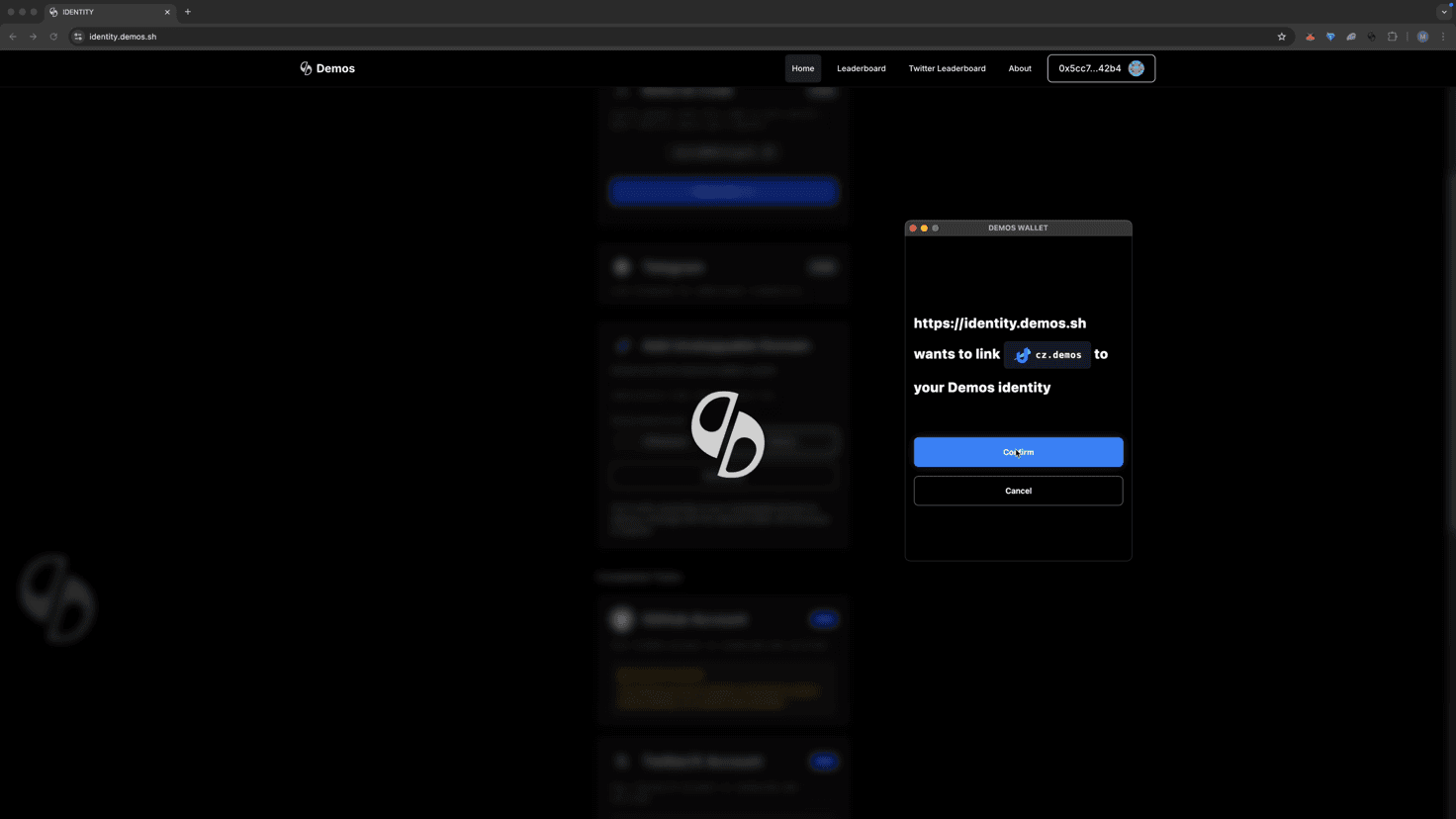
✅ Step 7: Confirm the Link
When prompted, click "Confirm" to finalize the domain connection.
🎉 Success!
Your Unstoppable Domain is now successfully linked to your Demos Identity.
ℹ Tip: If validation fails, double-check that the domain is held in the wallet you connected to the Identity Hub and that your wallet is logged in.